There’s a specific frustration that creatives working with AI tools eventually hit: a great reference image sitting on their desktop, and no single tool that can do everything they need with it. They want a style-transferred version for Instagram. They want an edited variant where the product label text is updated. They want a high-resolution batch of four options to show a client. And they want a ten-second animated clip with ambient sound for the Reels cut. In the old workflow, that’s four tools, four subscriptions, four different interfaces to learn, and four export processes to manage. The premise worth testing with Image to Image is whether one platform can credibly handle all four transformations from the same source image without requiring a context switch.
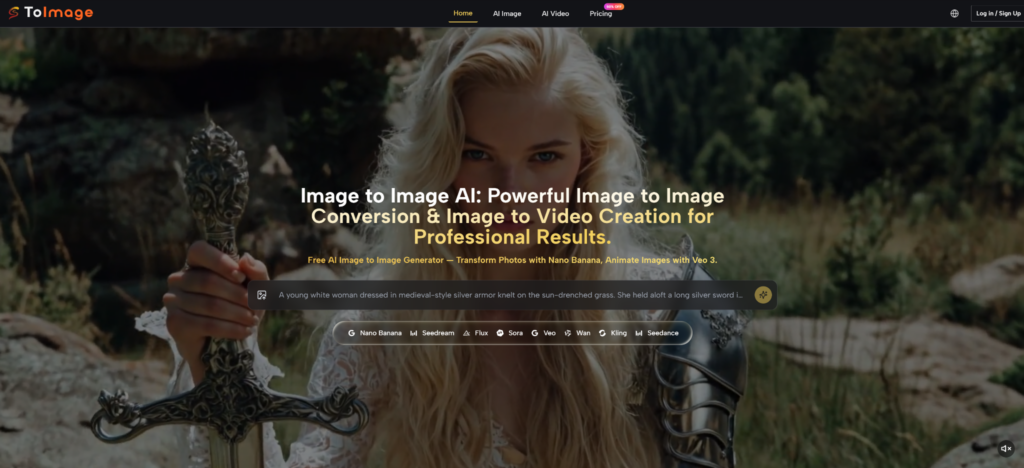
This piece follows a single photo through that process — not as a hypothetical, but as an honest walkthrough of what the platform offers at each stage, what it handles well, and where it requires realistic expectations.
The Starting Point: What Image to Image Means Here
Before the walkthrough, it helps to be precise about the term. Image to image generation uses an existing photo as a structural and stylistic input to a model, which then produces a new image guided by both the source material and a text prompt. This is different from text-to-image, where the prompt is the only input, and different from traditional photo editing, where you’re adjusting what exists rather than generating something new from it.
On the platform, image to image is the primary entry mechanic for all image work. Every image model — Nano Banana, Nano Banana 2, Seedream, Flux Kontext, GPT-4o, Qwen Image Edit, Grok Imagine Image — takes a source image as the starting point. The models differ in what they do with that input: some prioritize style transformation, some prioritize speed and iteration throughput, some prioritize surgical element editing, and one — Nano Banana’s multi-reference mode — accepts up to four source images simultaneously for cross-reference consistency.
How a Transformation Session Actually Starts
Step 1: Upload the Source Photo
A Single Upload Opens Every Transformation Track
The entry point is a file upload. The platform accepts standard image formats and feeds the source directly into whichever model you select. There’s no separate upload queue for image work versus video work; the same uploaded image can route to an image model for transformation or, later in the session, to a video model for animation.
For the walkthrough scenario — a product photo with a clean white background — a single upload is the starting point. The platform holds the source image available across the session, so you’re not re-uploading for each subsequent generation.
Step 2: Describe the Transformation and Generate
The Prompt Describes the Destination, Not the Source
The text input in image to image works most efficiently when it describes where you want the output to arrive rather than restating what the source image already contains. The model can see the source; what it needs from the prompt is the target visual state — lighting quality, style register, color relationships, mood, material feel.
This is a prompt discipline that has a real learning curve. Image to image beginners often over-describe the subject (which the model already sees) and under-describe the transformation target (which is the only part the prompt needs to carry). Once that inversion is understood, the prompt becomes a creative direction tool rather than a description exercise.
Transformation One: Style Transfer for Social Output
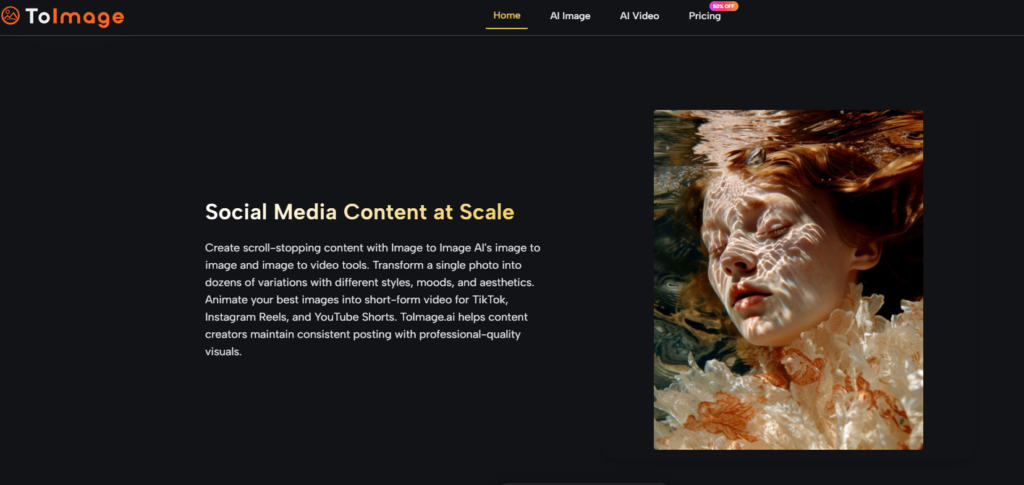
The first transformation: take the product photo and output a version with a lifestyle aesthetic — warm natural light, soft shadows, an environmental context that reads as lived-in rather than studio-shot.
Nano Banana handles this category. The model accepts the source image, interprets the prompt describing the target visual mood, and generates an image that preserves the product’s core geometry while reconstructing the environment around it. The platform describes this as “hyper-realistic detail” with “accurate textures, lighting, and materials.” In practice, lighting transformation — changing the quality, direction, and temperature of light — is where the model produces the clearest results. Environmental reconstruction around simple product forms tends to be cleaner than reconstruction around products with significant transparency or reflection, where light interaction modeling introduces more variance.
The output here is suitable for social content, with commercial usage rights included — meaning the transformed image can move directly into a marketing campaign without additional licensing steps. No watermark is applied on paid plans.
Transformation Two: Element Editing Without Full Regeneration
The second transformation: the product label in the source photo needs a text update. The surrounding composition, lighting, and style should remain identical; only the label copy changes.
Image to Image AI includes Flux Kontext Pro and Flux Kontext Max for exactly this scenario. The platform describes Flux Kontext’s capability as context-aware editing — modifying text within images, swapping objects, adjusting specific elements while the surrounding composition remains stable. This is a fundamentally different operation from style transfer: instead of reconstructing the image around a structural anchor, Flux Kontext is targeting one bounded element and leaving everything else intact.
In practice, Flux Kontext handles clearly bounded, typographically defined targets well. A product label with distinct edges, a sign with legible existing text, a clearly demarcated object — these are the scenarios where the surgical precision claim holds up. Large-area edits or edits where the target region bleeds into complex surrounding detail show more variance and may require iteration. The credit cost for Flux Kontext Max (4,024 credits on Pro plan) is comparable to Nano Banana 2, so it’s not a budget edit option — it’s a precision option for when regenerating the whole image would lose existing work.
Transformation Three: High-Resolution Batch for Client Review
The third transformation: generate four resolution-controlled variants for client presentation, with enough output quality to hold up at print size.
Nano Banana 2 handles this specifically. The platform documents batch generation of up to four images per request with resolution options of 1K, 2K, or 4K. This is the scenario where that multi-resolution control matters: generating at 4K for client review files, rather than generating at default resolution and upscaling, preserves fidelity in fine material textures, fabric details, and edge sharpness.
The prompt for this pass can build on what worked in the style transfer transformation — the same aesthetic direction, pushed to production resolution. One practical consideration: the credit cost of Nano Banana 2 at 4K resolution is higher than at lower resolutions, so the decision of when in the workflow to commit to high-resolution batch generation affects credit budget. Exploring direction at lower resolution first and committing to 4K when creative direction is confirmed is a more efficient workflow than generating at 4K throughout the exploration phase.
Transformation Four: Animating the Approved Image Into Video
The fourth transformation: the approved style-transferred image becomes the source for a short animated video clip with synchronized audio, intended for Instagram Reels or TikTok.
The same platform that handled the image work accommodates this step through its video model lineup. Veo 3 is the model the platform positions for this output type: image to video animation with native audio generation, meaning dialogue, ambient sound, and sound effects are generated and synchronized automatically with the video output. For a product lifestyle image, this might translate to ambient environmental sound, light atmospheric motion, and a natural camera drift that gives the static image cinematic movement without requiring a separate audio production workflow.
Veo 3 is the most credit-intensive model on the platform — 10,060 credits per generation on the Pro plan. It belongs at the end of a confirmed creative direction, not during exploration. Using Kling or Seedance — also available on the platform — for video draft iterations before committing to a Veo 3 final generation is a practical credit management approach. The platform includes Kling 2.5, Kling 2.1 Pro, Kling 2.1 Master, Seedance 1.0 and 1.5, Wan 2.5, and Runway Gen 4 as lower-cost video alternatives.
Full Workflow Summary: One Image, Four Outputs
| Output Type | Model Used | Key Capability Accessed | Plan Credit Estimate (Pro) |
| Lifestyle style transfer | Nano Banana | Reference-guided image to image transformation | 3,018 per image |
| In-image text element edit | Flux Kontext Max | Context-aware surgical editing | 4,024 per image |
| 4K batch for client review | Nano Banana 2 | Multi-resolution batch of 4 at 4K | 4,024 per image × 4 |
| Animated video with audio | Veo 3 | Image to video with native audio sync | 10,060 per video |
What This Workflow Reveals About Real Limitations
Running the same source image through four transformation types in one session makes the platform’s constraints more visible than any single-model test would. The clearest constraint is that prompt quality determines output ceiling more than model selection does. A strong prompt fed to Nano Banana produces better results than a vague prompt fed to Nano Banana 2. Neither model resolves underspecified creative intent.
Output consistency within a session is also not guaranteed. Repeating a Nano Banana generation with identical settings produces variation — this is intrinsic to diffusion models, not specific to the platform. Workflows that require guaranteed repeatability need to plan for iteration budgets. The credit roll-over policy (unused credits carry to the next period) partially offsets this, but consistent outputs require consistent prompt craft across runs.
The Unlimited plan at $75 per month on annual billing removes credit-per-generation pressure entirely for this kind of multi-model session. For teams running client production workflows where a single source image needs to produce a full suite of transformed outputs — social, editorial, print, and video — the per-image cost at Unlimited (approximately $0.001) changes the economics of iteration meaningfully compared to the Starter or Pro tiers.
The Practical Conclusion for Different User Types
The four-transformation workflow holds together as a coherent production path. Image to image style transfer, precision element editing, high-resolution batch output, and image-to-video animation all happen inside one interface, under one credit system, with one commercial rights agreement covering the outputs.
Whether that consolidation justifies the subscription depends on which transformations are part of a regular workflow. For solo creators whose work is primarily style transfer and social content, the Starter plan covers meaningful image to image access with Nano Banana and Seedream. For professionals running mixed image and video deliverables, Pro offers model access across the full lineup with a credit budget that requires deliberate allocation. For teams with client production volume where iteration is structurally built into the process, Unlimited removes the credit ceiling that otherwise shapes every creative decision.
The platform doesn’t make image to image work effortless. Prompt discipline still matters, output variance is still real, and complex source images still require more iteration than simple ones. What it does offer is the model depth to handle the full range of image to image task types — transformation, editing, resolution control, and animation — without sending different jobs to different platforms.