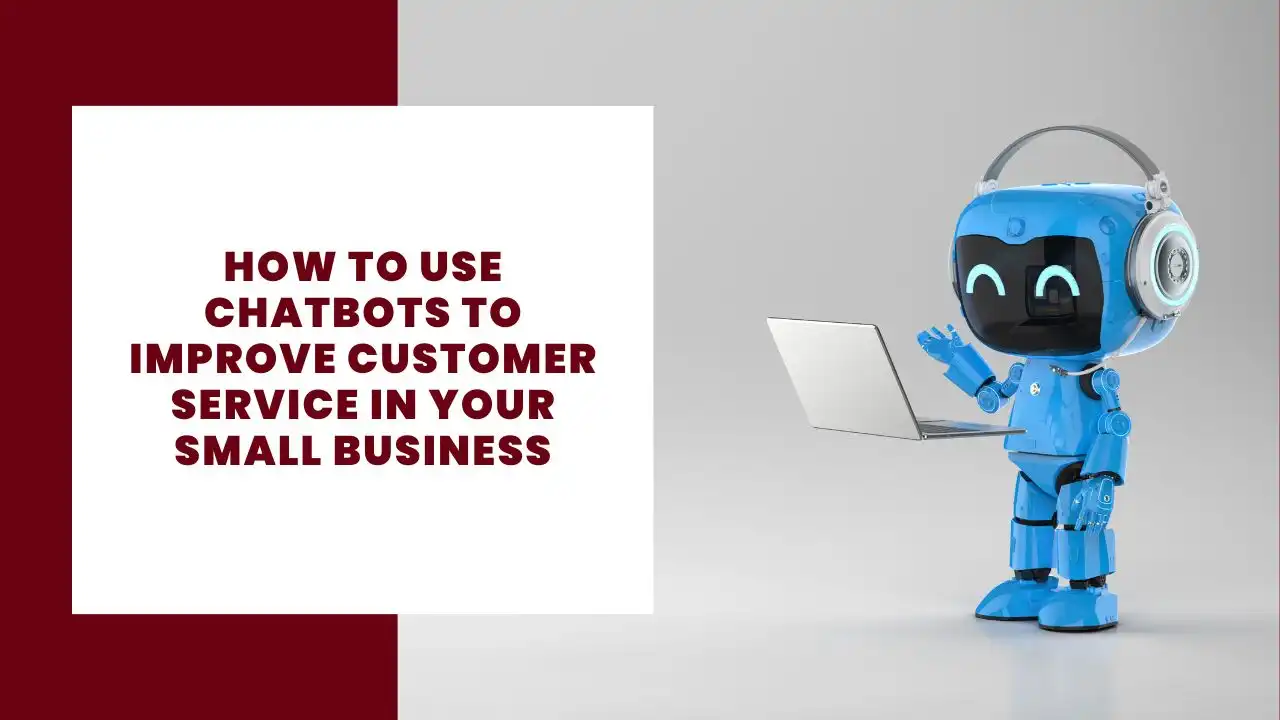
How to Use Chatbots to Improve Customer Service in Your Small Business
Written by
- Redaction Team
- Business Technology, Entrepreneurship
Providing exceptional customer service is key to retaining clients and growing a small business. As more businesses turn to automation to streamline their processes, recruiting chatbot have emerged as a powerful tool to enhance customer support. Chatbots can deliver instant, 24/7 assistance, answer common queries, and even guide customers through purchasing decisions, all while reducing the burden on human employees.
This post will explore the ways chatbots can revolutionize customer service for small businesses and offer practical steps for implementing one.
The Benefits of Chatbots for Customer Service
Implementing chatbots can have several advantages for small businesses looking to improve customer satisfaction and operational efficiency.
1. 24/7 Availability
One of the biggest benefits of using a chatbot is its ability to provide constant support. Unlike human employees, chatbots can handle customer queries at any time, ensuring that your business remains responsive even outside of office hours.
2. Instant Responses
Customers expect quick answers to their questions. Chatbots can deliver responses in real time, drastically improving response times and reducing customer frustration.
3. Cost-Effective Solution
Hiring a full-time customer support team is costly for small businesses. Chatbots allow you to provide support without increasing labor costs. This can be especially useful during peak times or when handling repetitive queries.
4. Improved Efficiency
Chatbots can handle a high volume of inquiries simultaneously, improving your business’s efficiency. They can quickly route complex issues to human agents when necessary, ensuring that support is provided faster.
5. Consistency in Responses
A chatbot ensures that customers receive consistent information every time. This reduces the risk of miscommunication or errors that can occur with human agents.
Types of Chatbots for Small Businesses
There are several types of chatbots that businesses can choose from depending on their needs and the complexity of customer interactions.
1. Rule-Based Chatbots
Rule-based chatbots follow a predetermined set of rules to interact with customers. These bots are ideal for businesses looking to answer frequently asked questions or provide basic information. They use keywords or simple decision trees to provide answers.
- Best for: Simple queries, FAQs, and customer support triage.
2. AI-Powered Chatbots
AI-powered chatbots use machine learning and natural language processing (NLP) to understand and respond to customer inquiries more dynamically. Unlike rule-based bots, they can learn from previous conversations and improve over time.
- Best for: Handling more complex queries, offering personalized responses, and learning from customer interactions.
3. Hybrid Chatbots
Hybrid chatbots combine rule-based systems with AI capabilities. They handle simple queries using predefined rules and escalate more complex issues to human agents or use AI to manage them.
- Best for: Balancing simple and complex interactions while offering flexibility for growth.
Practical Use Cases for Chatbots in Customer Service
There are many ways small businesses can use chatbots to improve customer interactions. Here are some practical use cases to consider:
1. Answering Frequently Asked Questions
Most businesses receive similar questions from customers, such as inquiries about product availability, shipping times, or return policies. A chatbot can be set up to automatically provide answers to these common questions, freeing up human agents for more complex issues.
2. Providing Product Recommendations
Chatbots can guide customers through purchasing decisions by offering personalized product recommendations based on their preferences or previous interactions. This enhances the shopping experience and can lead to higher sales conversion rates.
3. Handling Booking and Reservations
For businesses like restaurants, salons, or service providers, chatbots can streamline the booking process. Customers can schedule appointments or make reservations directly through the chatbot, eliminating the need for phone calls or emails.
4. Offering Order Tracking and Updates
After a customer places an order, a chatbot can automatically provide updates on shipping status, estimated delivery times, or any potential delays. This keeps customers informed and reduces the number of inquiries related to order tracking.
5. Collecting Feedback
Chatbots can be used to gather customer feedback after an interaction or purchase. By asking a series of questions, the chatbot can collect valuable insights into customer satisfaction and identify areas for improvement.
Steps to Implement a Chatbot in Your Small Business
Setting up a chatbot for your small business can seem like a daunting task, but with the right approach, it can be straightforward and beneficial.
1. Define Your Business Goals
Before choosing a chatbot, outline your business objectives. Do you want to reduce the volume of customer service inquiries? Provide 24/7 support? Assist with sales? Understanding your goals will help you select the right type of chatbot for your business.
2. Choose the Right Platform
There are various chatbot platforms available, from basic, rule-based bots to more advanced AI-powered ones. Some popular options for small businesses include:
- Tidio: Offers a user-friendly interface and works with websites and e-commerce platforms like Shopify.
- ManyChat: Best for Facebook Messenger and social media-based businesses.
- Drift: Ideal for lead generation and customer service chatbots.
3. Design the Conversation Flow
Create a conversation flow that outlines how the chatbot will interact with customers. For example, if a customer asks for store hours, the bot should respond with the correct information. If the query becomes too complex, the chatbot should route the customer to a human agent.
4. Test Your Chatbot
Before fully launching the chatbot, conduct thorough testing to ensure it responds correctly and can handle various types of inquiries. Testing also helps identify any areas where the chatbot may need improvements.
5. Train and Improve Your Chatbot
If you are using an AI-powered chatbot, it will need ongoing training to understand customer queries better. As the chatbot interacts with more customers, it will learn from these conversations and improve its responses.
Best Practices for Using Chatbots in Customer Service
For chatbots to be effective, they must be implemented strategically. Here are some best practices to keep in mind:
1. Clearly Define the Chatbot’s Capabilities
Let customers know what the chatbot can and cannot do. This helps manage expectations and reduces frustration. If the chatbot can only answer basic questions, make sure customers know when they’ll be transferred to a human agent.
2. Ensure a Seamless Handoff to Human Agents
Chatbots are not perfect and will encounter queries they cannot resolve. Ensure there is a smooth transition between the bot and a human agent when necessary. This prevents customer frustration and ensures that complex issues are handled promptly.
3. Monitor and Optimize Performance
Regularly track how the chatbot is performing. Use analytics to measure response times, customer satisfaction, and the resolution rate. Adjust the chatbot’s responses based on feedback and make continuous improvements to keep it effective.
4. Personalize Interactions
Even though chatbots are automated, adding a personal touch can make the experience more engaging. Use the customer’s name and refer to past interactions to provide a more personalized experience.
5. Keep the User Experience Simple
Avoid overloading the chatbot with too many features or options. Keep the conversation flow simple, and make it easy for customers to find the answers they’re looking for without getting frustrated.
Chatbot Integration with Existing Customer Service Tools
Chatbots don’t operate in isolation. To maximize their potential, integrate them with your existing customer service and CRM systems. This ensures that the chatbot has access to important customer data and can offer personalized assistance based on a customer’s history.
1. CRM Integration
By integrating your chatbot with your CRM system, it can access customer details such as purchase history, preferences, and past interactions. This allows the bot to offer more personalized responses and recommend products or services based on the customer’s profile.
2. Live Chat Support
Combine chatbots with live chat tools so that human agents can step in when the chatbot encounters a complex issue. This helps maintain a seamless customer service experience while allowing human agents to focus on tasks that require more attention.
The Future of Chatbots in Small Business Customer Service
As chatbot technology advances, small businesses can expect even more sophisticated features. AI-powered chatbots will become smarter, learning more about customer preferences and providing increasingly personalized responses. Features like voice-enabled bots may also become more common, allowing for hands-free customer service experiences.
Small businesses that adopt chatbots early will have a competitive edge, offering faster, more efficient customer support while freeing up valuable resources. As technology improves, chatbots will only become a more integral part of customer service strategies.
Conclusion
Chatbots are an essential tool for small businesses looking to improve customer service. They provide immediate, 24/7 support, enhance operational efficiency, and reduce the workload on human employees. Whether you’re answering FAQs, guiding customers through purchases, or collecting feedback, a well-implemented chatbot can greatly enhance the customer experience. As chatbot technology evolves, small businesses that leverage this technology will see significant improvements in customer satisfaction and loyalty.
More about Business Technology