Enterprise Mobility and Security: Empowering Your Business
Written by
- Redaction Team
- Business Technology, Entrepreneurship
As businesses evolve in the digital age, the need for mobility and security has become critical. Enterprise mobility allows employees to work from anywhere using mobile devices, while robust security ensures that corporate data remains protected. Enterprise mobility and security solutions are essential for managing the complex environment of devices, data, and applications. Microsoft Enterprise Mobility offers a comprehensive solution through the Microsoft Enterprise Mobility and Security (EMS) suite, including its popular E3 and E5 plans.
What Is Enterprise Mobility and Security?
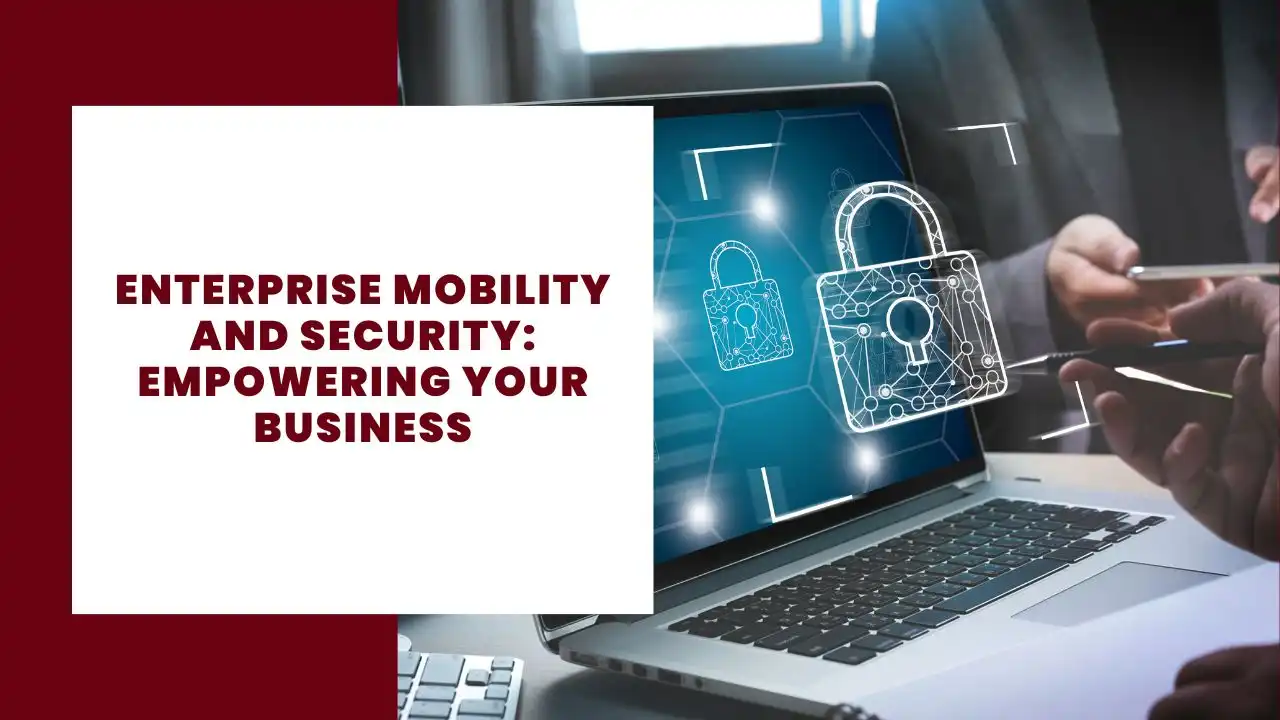
Enterprise mobility and security is a strategy that allows businesses to manage and secure mobile devices, applications, and company data in a flexible work environment. With the increasing adoption of cloud-based solutions and mobile device management (MDM), businesses need effective tools to protect sensitive information while enabling seamless access to resources.
Key Features of Enterprise Mobility:
- Mobile device management (MDM) to secure devices like smartphones and tablets.
- Identity management through systems like Azure Active Directory.
- Conditional access for ensuring secure authentication.
- Cloud apps for easy access to corporate systems from anywhere.
The Microsoft Enterprise Mobility and Security (EMS) suite brings these essential features together under one umbrella, providing businesses with advanced tools to manage security across devices, data, and applications.
Microsoft Enterprise Mobility and Security (EMS) Suite
Microsoft’s Enterprise Mobility and Security (EMS) suite offers a comprehensive solution to meet mobility and security needs. With two main tiers—EMS E3 and EMS E5—organizations can choose the level of security and mobility features they require based on their business needs.
EMS E3: Advanced Mobility and Security
The EMS E3 plan includes features like Microsoft Intune for mobile device management and Azure Active Directory Premium for identity and access management.
Key Features of EMS E3:
- Azure Active Directory Premium P1: Provides multi-factor authentication (MFA), single sign-on (SSO), and conditional access.
- Microsoft Intune: Enables secure mobile device and application management, ensuring that only authorized users can access corporate resources.
- Azure Information Protection P1: Offers basic protection of documents and email.
- Azure Rights Management: Ensures that sensitive corporate data is encrypted and secure across different environments.
EMS E5: Advanced Threat Protection
For businesses with more stringent security requirements, the EMS E5 plan includes more advanced features like Microsoft Advanced Threat Analytics and Cloud App Security.
Key Features of EMS E5:
- Microsoft Defender for Endpoint: Offers comprehensive endpoint protection.
- Azure Active Directory Premium P2: Provides advanced identity protection, privileged identity management, and identity governance.
- Microsoft Cloud App Security: Monitors and protects cloud apps to ensure safe access to corporate data.
- Azure Information Protection P2: Delivers advanced document protection and reporting capabilities.
- Advanced Threat Analytics: Helps identify suspicious activities and protects against cyber threats.
Microsoft Intune: Managing Mobile Devices
Microsoft Intune is one of the central components of the Microsoft EMS suite, providing organizations with the tools they need for effective mobile device management (MDM) and mobile application management (MAM).
Benefits of Using Microsoft Intune:
- Mobile Device Management: Ensures that employees can securely use their iOS, Android, or Windows devices to access corporate data.
- Application Management: Intune provides granular control over mobile apps, ensuring that corporate data is not accessed by unauthorized apps.
- Conditional Access: Restricts access to corporate data based on the compliance state of the device.
Intune ensures that businesses can securely manage the corporate data on mobile devices, whether they are company-issued or part of a BYOD (Bring Your Own Device) strategy.
Identity and Access Management with Azure Active Directory
Azure Active Directory (Azure AD) is the backbone of identity and access management within the Microsoft EMS suite. It offers a secure and scalable way to manage user identities, ensuring that only authorized users can access business systems.
Key Features of Azure Active Directory:
- Single Sign-On (SSO): Allows users to sign in once and gain access to all authorized apps, improving security and the user experience.
- Multi-Factor Authentication (MFA): Provides an extra layer of security by requiring multiple methods of authentication.
- Conditional Access: Enforces security policies based on user conditions like location, device, or application.
- Azure Active Directory Premium P1: Included in EMS E3, it provides essential security features like SSO and MFA.
- Azure Active Directory Premium P2: Included in EMS E5, it adds privileged identity management and advanced identity protection tools.
Azure AD ensures that businesses can implement identity management policies that protect access to their systems while improving the security posture of the organization.
Microsoft 365 Integration: Maximizing Security
Microsoft 365 integrates seamlessly with Microsoft EMS, providing additional security and mobility features. Whether using Microsoft 365 E3 or Microsoft 365 E5, businesses can leverage the full suite of EMS security features to ensure maximum protection of their digital assets.
Integration with Microsoft 365:
- Office 365: EMS provides advanced protection for apps like Microsoft Office, ensuring that company data remains secure across all devices.
- Azure Information Protection (AIP): Helps classify, label, and protect business data.
- Microsoft Cloud App Security: Monitors the use of cloud apps within the Microsoft 365 environment, ensuring compliance and secure access.
By integrating EMS with Microsoft 365, businesses gain access to robust security solutions that safeguard both on-premises and cloud-based resources.
E3 vs E5: Which Plan Is Right for Your Business?
Choosing between EMS E3 and EMS E5 depends on the specific security needs of your organization. While both plans offer strong security features, E5 includes more advanced capabilities, making it the better choice for companies requiring maximum security.
EMS E3:
- Provides strong mobile device and app management with Intune.
- Includes Azure Active Directory Premium P1 and Azure Information Protection P1.
- Ideal for businesses needing core identity management and security policies.
EMS E5:
- Includes all features of E3 plus advanced threat protection with Microsoft Defender for Endpoint and Microsoft Cloud App Security.
- Offers Azure Active Directory Premium P2 for privileged identity management and advanced security reporting.
- Best for companies that need advanced threat protection and identity management.
Security Challenges in the Mobile-First World
In a mobile-first and cloud-based world, businesses face increasing security challenges. Protecting corporate data across devices, apps, and networks is crucial for avoiding breaches and ensuring compliance. To successfully combat these threats, a complete suite of Mobile security solutions, for instance, can be necessary, offering multi-layered protection that spans from the device level to the application and network.
Top Security Challenges:
- Unauthorized Access: With employees accessing data from multiple devices, businesses need to enforce strict conditional access policies to prevent unauthorized use.
- Data Leakage: Secure information protection is essential for ensuring that sensitive company data is not leaked through unsecured apps.
- Device Management: As more employees use their mobile devices to access corporate data, businesses need robust mobile device management solutions like Microsoft Intune to maintain security.
- Advanced Threat Protection: Detecting and mitigating cyber threats requires tools like Microsoft Advanced Threat Analytics and Cloud App Security, which are included in EMS E5.
Conclusion
Enterprise mobility and security are critical for empowering businesses to meet the demands of a mobile-first, cloud-based environment. By leveraging Microsoft’s Enterprise Mobility and Security suite (EMS), organizations can ensure that their data, devices, and apps are secure, while also providing employees with the flexibility to work from anywhere.
Whether choosing the E3 plan for strong baseline security or the E5 plan for advanced security capabilities, businesses can benefit from the comprehensive features offered by Microsoft EMS. With the integration of tools like Microsoft Intune, Azure Active Directory, and Microsoft Cloud App Security, companies can confidently embrace enterprise mobility while safeguarding their corporate data in an increasingly complex security landscape.
More about Business Technology